Canva Craft is Canva’s first AI image model built entirely in-house, and it’s now in Dream Lab for Canva users around the world. It’s built for design jobs like posters, menus and social graphics, making images up to 2K in more than 30 aspect ratios, but it’s slower than many AI image tools.
Key takeaways
- Canva Craft lives in Dream Lab, in Canva’s left-side panel.
- It was trained on millions of Canva templates, not mainly photos, so it aims at layouts with readable text.
- Output goes up to 2K, in 30+ aspect ratios or a custom size.
- The catch: generations are slow, and Canva hasn’t spelled out credit limits per plan.
2K
Max image resolution
30+
Aspect ratios
55
Languages for text in images
~50-60s
Per image via the API
What is Canva Craft?
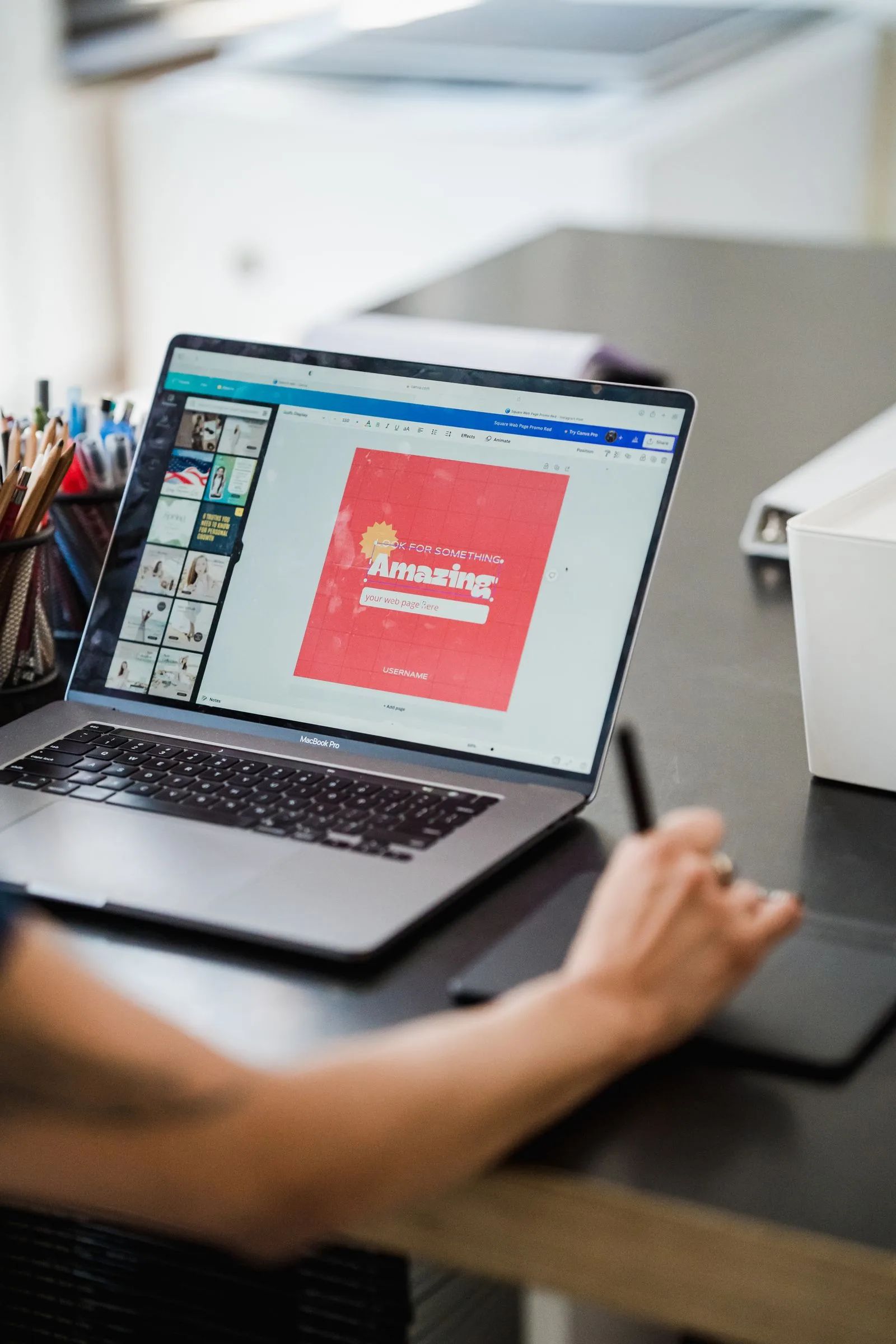
Canva announced Craft on October 22, 2026 (October 21 in some time zones). It was made by Canva Research, the company’s AI lab, which Canva says has more than 160 researchers and engineers.
Most AI image models learn mainly from photographs. Canva says Craft learned from millions of human-made templates: menus, infographics, slides, posters and social graphics. That’s why it’s pitched at designs with words in them, not just pretty pictures.
It works in two steps. A planner first maps the layout (what goes where, how big, and what text is needed). A second model then draws the image from that plan.
Early votes are promising. Craft debuted fourth on DesignArena, a public leaderboard where people pick the better of two AI images. Keep in mind those rankings are crowdsourced and still moving.
How to use Canva Craft in Dream Lab
- Open Dream Lab. In Canva, find Dream Lab in the panel on the lower left.
- Describe the design. Say what goes where, and type the exact words you want in quotes, like “Grand Opening, Nov 7”.
- Pick the size first. Choose an aspect ratio (square post, story, poster) or enter a custom one before you generate.
- Generate and wait. Give it time; it’s slower than many tools.
- Fix details with Magic Layers. Turn the image into editable pieces so you can move a headline or change a colour without starting over.
- Check, then publish. Zoom in on every word and small object before it goes live.
Your prompt can be in any language. Canva says text inside the image works in 55 languages, which is handy for bilingual English-French signs and posts here in Canada. Still proofread the French; AI spelling is not guaranteed.
Canva Craft vs other AI image tools
Craft isn’t the only choice inside Canva. Canva says its partner AI models will stay available alongside it.
| Tool | Best for | Where |
|---|---|---|
| Canva Craft | Posters, menus, social graphics with text | Canva Dream Lab, Canva API |
| Nano Banana 2.1 (Google) | Edits using many reference photos | Gemini app, Google Search AI Mode |
| ChatGPT image generation | Quick images inside a chat | ChatGPT |
| Adobe Express | Template-based designs with Adobe’s AI | Adobe Express |
Curious about Google’s option? Read our guide to Nano Banana 2.1. For a wider list, see 8 free AI tools for small business.
Who it’s for (and who should skip it)
Good fit: small business owners, teachers, event organizers and creators who already make flyers, menus or posts in Canva. Having the image and the layout in one place saves bouncing between apps.
Skip it for now: if you need detailed diagrams, fine print or technical drawings. Canva says it’s still working on those.
Want help turning tools like this into a consistent look for your brand? See what Media Station Studio can do.
The catch: speed, credits and rights
It’s slow. Through Canva’s API, a Craft image takes roughly 50 to 60 seconds. Canva says faster, cheaper versions called Craft-fast and Craft-ultrafast are coming, but no dates or prices yet.
Credits are unclear. API requests use your account’s AI credits. Canva hasn’t published how many Craft images each plan (Free, Pro, Teams) gets, so check your Dream Lab credit count before a big project.
Read the terms for business use. We couldn’t confirm Craft-specific commercial rules. Before using AI images in ads or on products, read Canva’s AI product terms.
Privacy and safety
Craft falls under Canva Shield, Canva’s safety system. It screens prompts and results, offers privacy controls, and lets you report harmful or misleading content.
Don’t put customer names, addresses or other private details in prompts. And if an AI image could be mistaken for a real photo, label it. Our piece on checking for AI-made images explains why that matters.
Station verdict
Worth a try if you already design in Canva; not yet a reason to switch.
Training on templates is a smart idea for anyone making flyers and posts, and editing with Magic Layers is a real time-saver. But it’s a first version: slow, with unclear credit limits, and its text claims still need real-world proof. Try it on one small project and proofread everything.
FAQ
Is Canva Craft free?
Canva says Craft is available to Canva users in Dream Lab, but it hasn’t published how many generations each plan includes. AI features in Canva use credits, so check your balance in Dream Lab.
Is Canva Craft available in Canada?
Yes. Canva describes it as available to users globally, and Dream Lab works in Canada.
Can I edit a Canva Craft image after it’s made?
Yes. Use Magic Layers to split it into editable elements, or edit one part of the image while leaving the rest alone.
Can developers use Canva Craft?
Yes, through Canva’s Connect API with the model name craft_v1_2k. Each request uses AI credits. Canva says support for its MCP server, which links AI assistants to Canva, is coming soon.
More tool tests and first looks: browse the Tools category.
Sources: BetaNews · ContentGrip · Lilach Bullock. Photos: Pexels (free licence). This article was prepared with AI assistance and reviewed by Media Station. Disclosure.